
 1.43M Reviews
Unlock a faster, better streaming experience on your Android TV, get around ISP throttling, and connect your TV to servers around the world with one app.
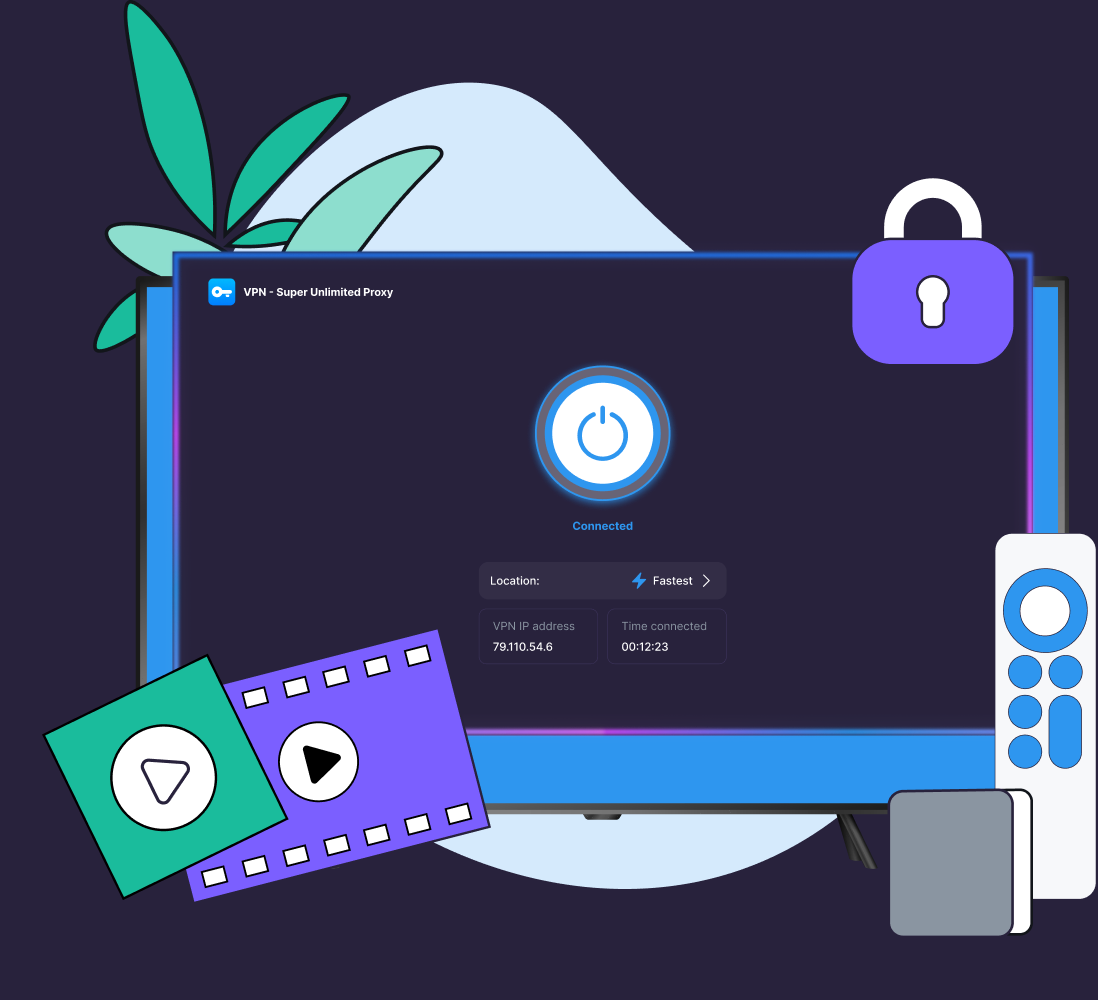
 35+ server locations
 Faster priority servers
 Available on the Google Play Store
VPN Super has a dedicated Android TV app, so the installation is the same as any other TV app. Just make sure you have a Premium subscription first.
Compatibility note: The same three steps work on devices running Android TV 8.0 or later, such as Sony TVs, Google TV streamer boxes, and Nvidia Shield devices that include the Google Play Store. Other devices, such as Samsung and LG TVs, FireTV, and Roku, don't run Android TV and are not compatible.
On your Android TV or Google TV home screen, open the Google Play Store and search for VPN Super (also listed as VPN - Super Unlimited Proxy).
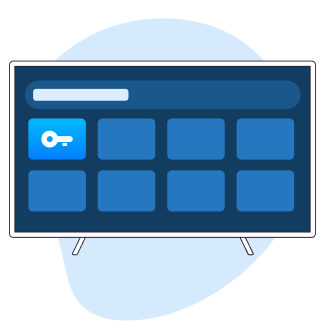
Install the app, then open it from your apps row. Sign in if you already have a VPN Super account, or create one here.
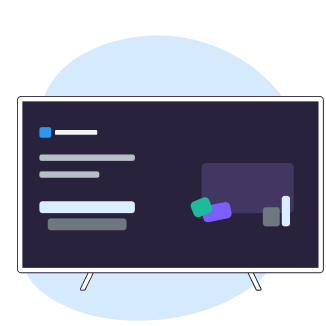
Pick a server location, then select "Connect". Once you see "Connected", your TV is using the VPN.


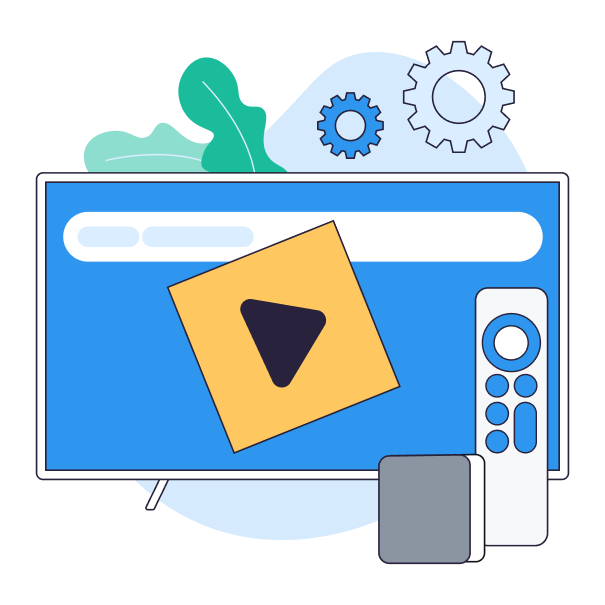
VPN Super helps you maximize your Android TV setup.

Keep the Android TV setup you love even when you're abroad.
Stay secure on shared Wi-Fi in apartments or hotels.
Appear to be anywhere in over 35+ locations worldwide.
Cover all your family's devices with one Premium subscription.
One of the best apps you can get if you're trying to access content while travelling internationally or just for security.
This app has consistently allowed me to bypass geo-restrictions to watch content like Netflix, international sports, foreign YouTube channels that I can't access in my region.
VPN Super joins a growing number of VPN providers offering dedicated smart TV applications, giving users a simpler way to secure their streaming activity directly from their living room devices.
[The] TV app offers streaming-optimized servers built for smoother 4K playback, more than 35 server locations, and coverage for up to 10 devices on a single Premium subscription.
The connection is fast and stable, and it's very easy to use, even for beginners.
Open the Google Play Store on your Android TV or Google TV, search for "VPN - Super Unlimited Proxy", and install the app. Open it, sign in, choose a server location, and select "Connect". The same three steps work whether you have a Sony Bravia, an Nvidia Shield, or a Google TV device with the Play Store on it.
Yes. VPN Super has a dedicated Android TV App that runs on Sony Bravia models with Android TV or Google TV, Google TV devices, Chromecast with Google TV, and Nvidia Shield devices that include the Google Play Store.
Yes, with one detail to note. Nvidia Shield runs Android TV and supports the VPN Super App directly from the Play Store. Chromecast with Google TV also runs Google TV, so it supports the app directly. Older Chromecast dongles that only cast from another device do not run apps—for those, install VPN Super on the phone or laptop you use to cast.
Any VPN adds a small overhead because traffic is encrypted and routed through a server. With a Premium subscription to VPN Super, faster priority servers help keep HD and 4K streams smooth. If a stream feels slow, switch to a closer server location, or try another nearby location. Connecting to a server geographically closer to you usually gives the steadiest speeds.
A VPN can improve privacy by encrypting supported traffic and changing the IP address visible to some services. It does not make you completely anonymous, neither does it block every tracker or replace privacy settings within individual streaming apps.

.webp)